









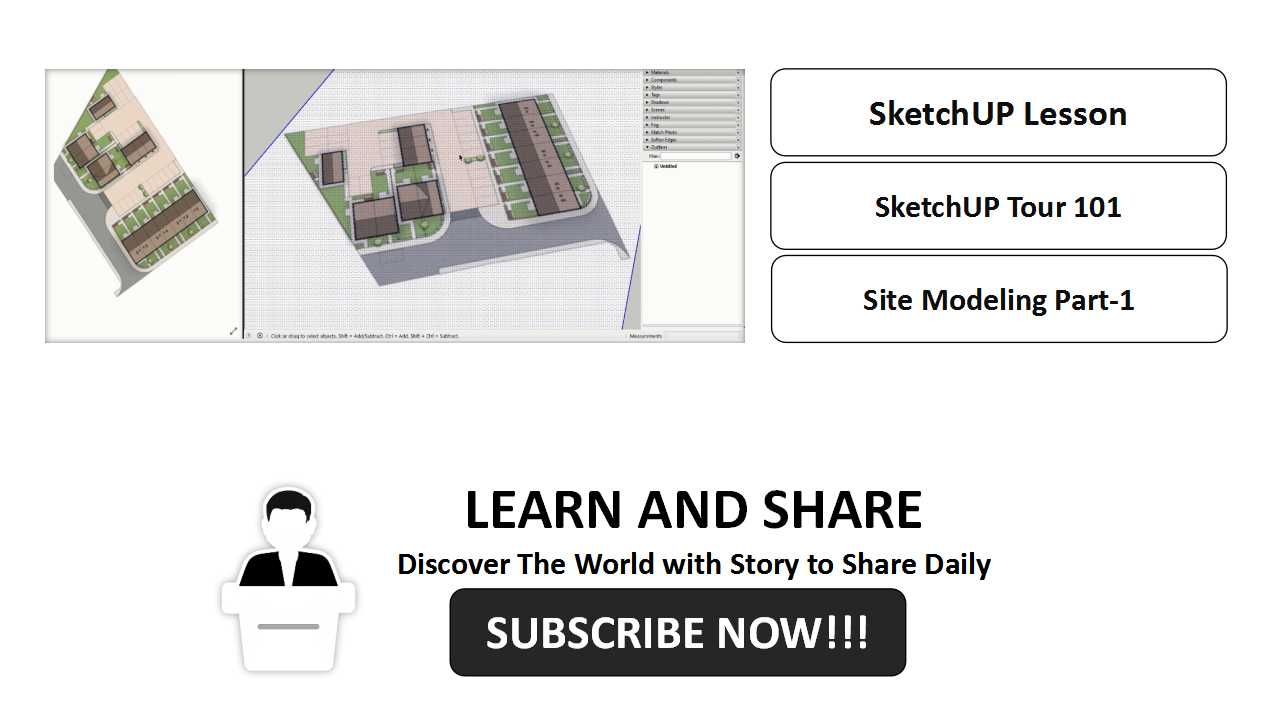
In this lesson will be learning the basic of 3D Modeling using SketchUp Pro.


In this lesson will be learning the basic of 3D Modeling using SketchUp Pro.

CAD blocks are called collections of objects that work together to form a single 2D or 3D object.

We finish our simple plan and elevation, these time we will going to create isometric drawing in 2Dimensonal.

Now we created our first drawing in cad a simple drawing for end table, let us continue create more presentation.
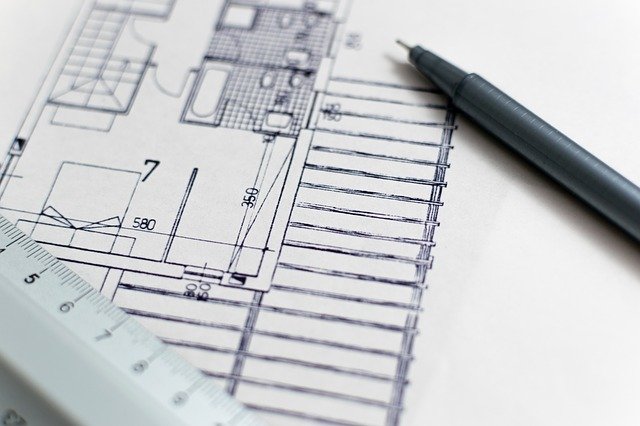
Follow the step first, after that you can experiment in you own way to make your work more faster and easy.

Like: Files Location, Display, Open & Save, Plot & Publish, System, User Preferences, Drafting, 3d Modeling, Section and Profile.
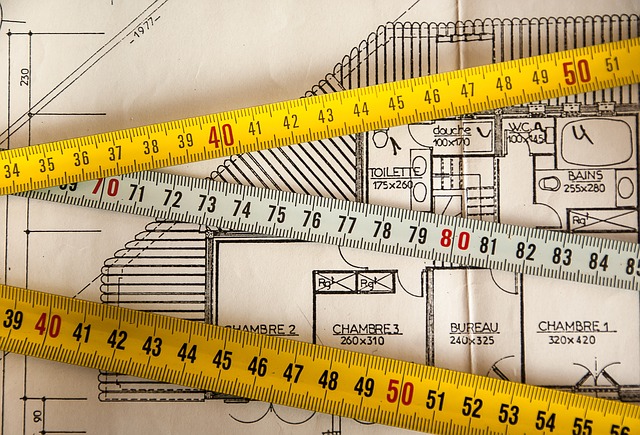
Annotations can also help CAD drafters keep track of all the important information a plain image can not express in a project.

If you are planning to travel or work abroad it is a must to learn the basic rules and laws of a certain country. It is one of the most

In these stage, the following commands like copy, paste, mirror, etc.. will come into action.

AutoCAD drawing commands come in action. The Draw commands can be used to create new objects such as lines and circles.